Mentalism with Calculator and Digital Force Bag

Two lessons by Julio Ribera on numerical predictions and list choices: preparation and patter with a calculator, and setup and handling of the paid app Digital Force Bag.
Mentalism with Calculator and Digital Force Bag
Two lessons by Julio Ribera on numerical predictions and list choices: preparation and patter with a calculator, and setup and handling of the paid app Digital Force Bag.
2 Lessons


Julio Ribera brings together two ways to build a prediction using digital tools. The path retains its two lessons and four videos: one performance and one explanation for each effect. First, you work with a calculator; then, with the Digital Force Bag app. The props and handlings for both lessons are different.
1. Calculator Prediction
The demonstration links the result of a series of calculations to the date and time. The explanation breaks down the preparation and compares two handlings of the same principle, paying attention to what the spectator sees during the operations. Julio explains how to justify using the phone, let intermediate results be seen, and choose a revelation that makes sense within the presentation.
He also mentions other applications using phone numbers, banknotes, or playing cards. These are presentation ideas, not several additional full routines.
The recording uses an older version of the iPhone calculator whose handling no longer works in the current version. You can use a mobile phone calculator, a computer calculator, or a physical one as long as the calculation history remains hidden during the effect. If you are looking for a free app on the App Store or Google Play, check for that condition and practice the preparation and operations beforehand. This lesson does not require a paid magic product.
2. Digital Force Bag
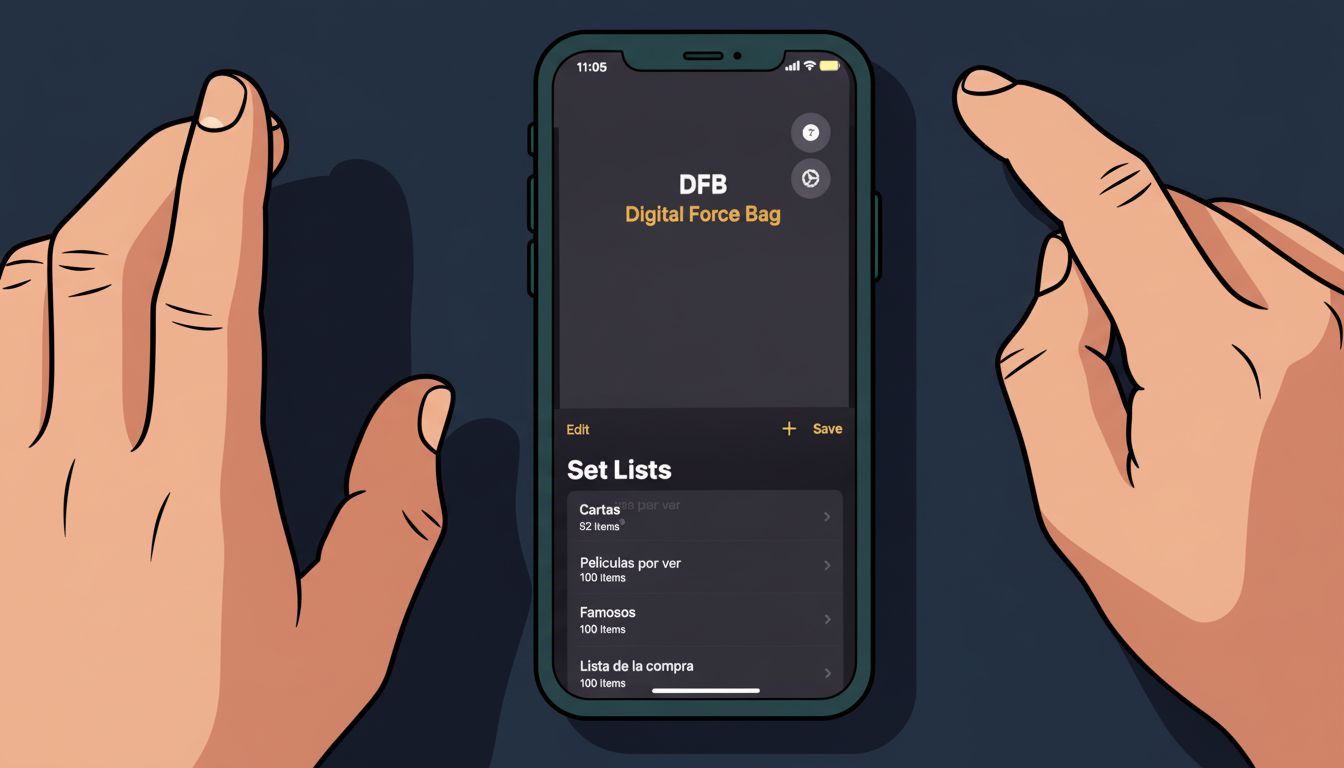
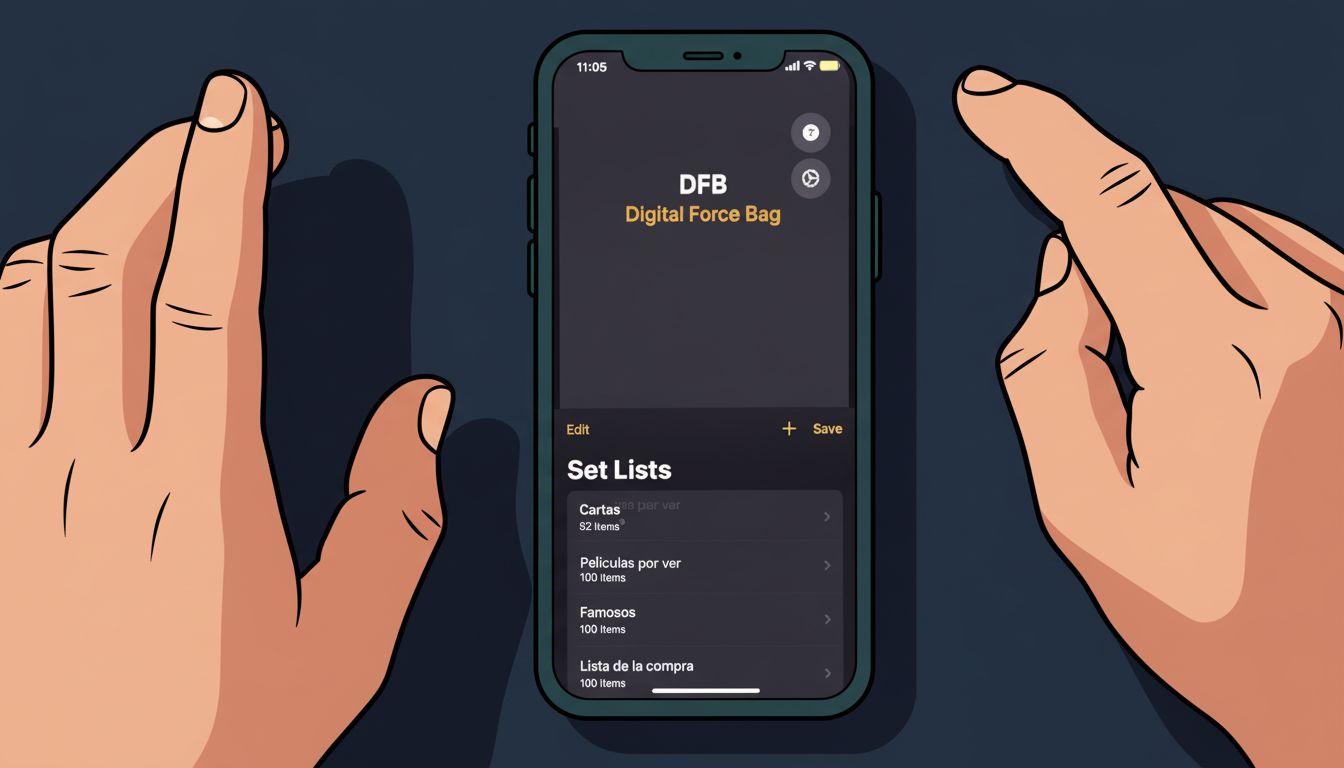
The performance begins with a suggestion test and ends by linking a number chosen by a participant to a celebrity predicted in advance. In the tutorial, Julio teaches how to set up the app, prepare lists of celebrities, playing cards, or movies, select the item, handle navigation, and reset it for performance. He includes examples with one- and two-digit numbers and a preliminary check of the prepared item.
This lesson does require the paid Digital Force Bag app, purchased separately, and a compatible phone. The preference for iPhone and the reservations regarding Android mentioned by Julio apply to the recorded version; check the requirements and operation of the version you are going to use.
What is taught and what is referred to other materials
The explanations detail the principle and handling of the calculator, and the specific use of Digital Force Bag. The performances allow you to observe audience participation and how to introduce the predictions. The full suggestion presentation and alternatives using normal notes, a nail writer, or a Svengali notepad are referred to another course; they are not included as additional explanations in this path.
You can practice each handling separately. With the calculator, check the preparation and history visibility. With Digital Force Bag, work on the settings, lists, checks, and navigation before linking them to the presentation.